

rsconnect::deployApp(appName = "my_survey")surveydown
An Open-Source, Markdown-Based Platform
for Interactive and Reproducible Surveys
Pingfan Hu, Bogdan Bunea, John Paul Helveston
George Washington University
GW OSCON 2025
Typical experience making a survey
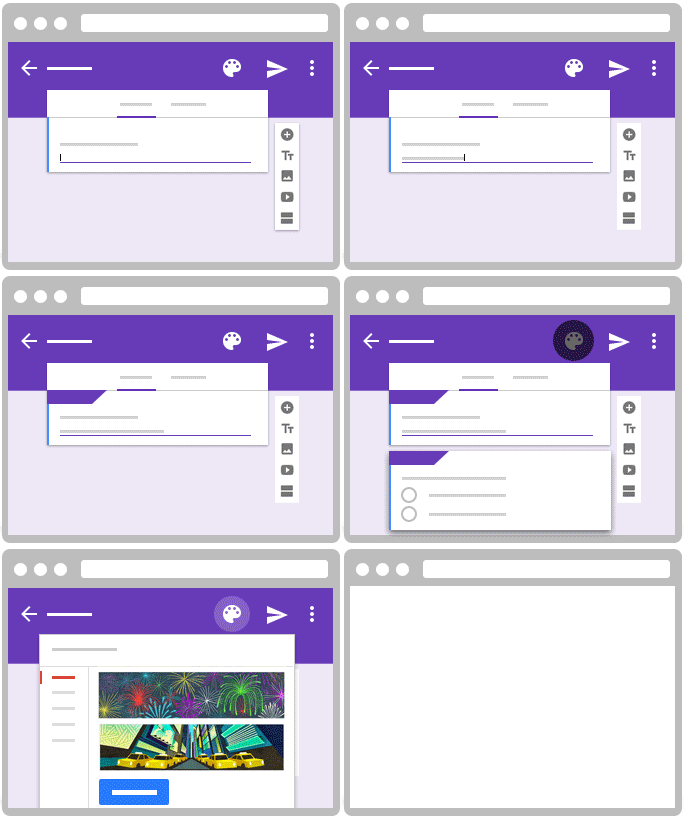
Typical experience making a survey
❌ Reproducible
❌ Data Control
⚠️ Free to Use
⚠️ Open Source
⚠️ Easy Collaboration
⚠️ Feature Packed
Introducing surveydown
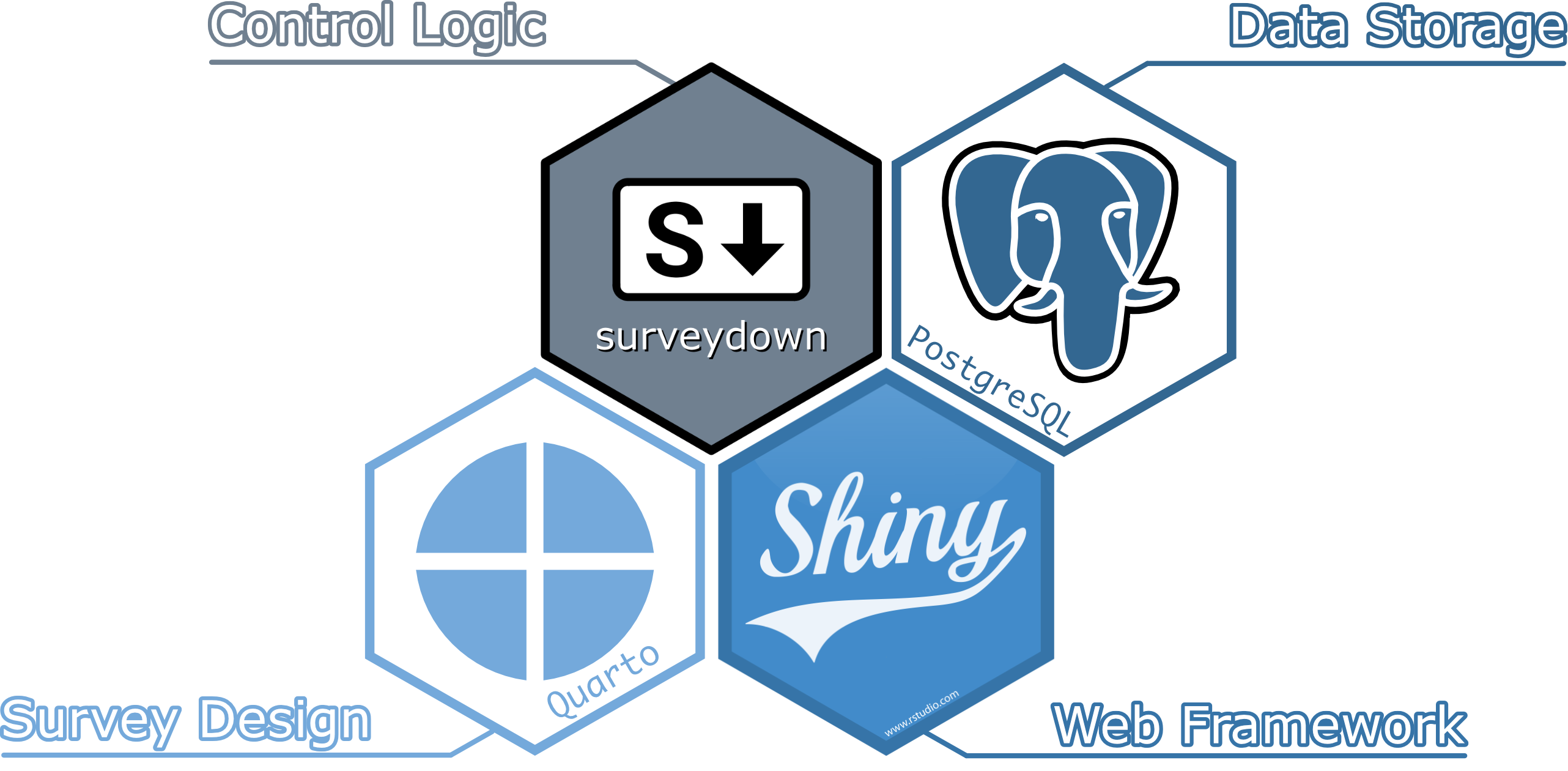
Components
survey.qmd
A Quarto doc defining the main survey content (pages, text, images, questions, etc.).
app.R
An R script defining the survey Shiny app. It sets up the database and server, and launches the survey.
survey.qmd
---
format: html
echo: false
warning: false
---

```{r}
library(surveydown)
```

--- welcome

# Welcome to our survey!

```{r}
sd_question(
  type  = "mc",
  id    = "penguins",
  label = "What's your favorite penguin?",
  option = c(
    "Adélie"    = "adelie",
    "Chinstrap" = "chinstrap",
    "Gentoo"    = "gentoo"
  )
)

sd_next()
```

--- end

This is the last page of the survey.

```{r}
sd_close()
```
survey.qmd
---
format: html
echo: false
warning: false
---

```{r}
library(surveydown)
```

--- welcome

# Welcome to our survey!

```{r}
sd_question(
  type  = "mc",
  id    = "penguins",
  label = "What's your favorite penguin?",
  option = c(
    "Adélie"    = "adelie",
    "Chinstrap" = "chinstrap",
    "Gentoo"    = "gentoo"
  )
)

sd_next()
```

--- end

This is the last page of the survey.

```{r}
sd_close()
```
YAML Header
Load Package
survey.qmd
---
format: html
echo: false
warning: false
---

```{r}
library(surveydown)
```

--- welcome

# Welcome to our survey!

```{r}
sd_question(
  type  = "mc",
  id    = "penguins",
  label = "What's your favorite penguin?",
  option = c(
    "Adélie"    = "adelie",
    "Chinstrap" = "chinstrap",
    "Gentoo"    = "gentoo"
  )
)

sd_next()
```

--- end

This is the last page of the survey.

```{r}
sd_close()
```
Define pages using triple-dash markers:--- page_id
Page 1 (Welcome)
Page 2 (End)
survey.qmd
---
format: html
echo: false
warning: false
---

```{r}
library(surveydown)
```

--- welcome

# Welcome to our survey!

```{r}
sd_question(
  type  = "mc",
  id    = "penguins",
  label = "What's your favorite penguin?",
  option = c(
    "Adélie"    = "adelie",
    "Chinstrap" = "chinstrap",
    "Gentoo"    = "gentoo"
  )
)

sd_next()
```

--- end

This is the last page of the survey.

```{r}
sd_close()
```
Contents of Page 1
survey.qmd
---
format: html
echo: false
warning: false
---

```{r}
library(surveydown)
```

--- welcome

# Welcome to our survey!

```{r}
sd_question(
  type  = "mc",
  id    = "penguins",
  label = "What's your favorite penguin?",
  option = c(
    "Adélie"    = "adelie",
    "Chinstrap" = "chinstrap",
    "Gentoo"    = "gentoo"
  )
)

sd_next()
```

--- end

This is the last page of the survey.

```{r}
sd_close()
```
Question Definition
app.R
# Load Package
library(surveydown)

# Database Credentials
sd_db_config()

# Connect to Database
db <- sd_db_connect()

# Server Setup
server <- function(input, output, session) {

  # Skip logic
  sd_skip_forward(...)

  # Conditional display
  sd_show_if(...)

  # Server settings
  sd_server(
    db = db,
    ...
  )
}

# Launch Survey
shiny::shinyApp(ui = sd_ui(), server = server)
app.R
# Load Package
library(surveydown)

# Database Credentials
sd_db_config()

# Connect to Database
db <- sd_db_connect()

# Server Setup
server <- function(input, output, session) {

  # Skip logic
  sd_skip_forward(...)

  # Conditional display
  sd_show_if(...)

  # Server settings
  sd_server(
    db = db,
    ...
  )
}

# Launch Survey
shiny::shinyApp(ui = sd_ui(), server = server)
Load Package
app.R
# Load Package
library(surveydown)

# Database Credentials
sd_db_config()

# Connect to Database
db <- sd_db_connect()

# Server Setup
server <- function(input, output, session) {

  # Skip logic
  sd_skip_forward(...)

  # Conditional display
  sd_show_if(...)

  # Server settings
  sd_server(
    db = db,
    ...
  )
}

# Launch Survey
shiny::shinyApp(ui = sd_ui(), server = server)
Database Setup
We recommend using Supabase or any PostgreSQL database for the database setup.
app.R
# Load Package
library(surveydown)

# Database Credentials
sd_db_config()

# Connect to Database
db <- sd_db_connect()

# Server Setup
server <- function(input, output, session) {

  # Skip logic
  sd_skip_forward(...)

  # Conditional display
  sd_show_if(...)

  # Server settings
  sd_server(
    db = db,
    ...
  )
}

# Launch Survey
shiny::shinyApp(ui = sd_ui(), server = server)
Server Setup
app.R
# Load Package
library(surveydown)

# Database Credentials
sd_db_config()

# Connect to Database
db <- sd_db_connect()

# Server Setup
server <- function(input, output, session) {

  # Skip logic
  sd_skip_forward(...)

  # Conditional display
  sd_show_if(...)

  # Server settings
  sd_server(
    db = db,
    ...
  )
}

# Launch Survey
shiny::shinyApp(ui = sd_ui(), server = server)
Launch Survey
Locally running the survey
Data saved locally in CSV for previewing purposes.
Online Deployment
Deploy
Recommend shinyapps.io (Free):
Other Platforms:
- Posit Connect Cloud
- Hugging Face
- Heroku
Online Data Storage + Online Survey URL
Local Dashboard App
Templates and demos are provided on surveydown.org for an easy start.
Summary of Features
Reactivity and randomization
Dashboard for survey data
Cookies for restoration
URL parameters for redirection
Ability to start from a selected page
Custom interactive questions
Example of a custom interactive question
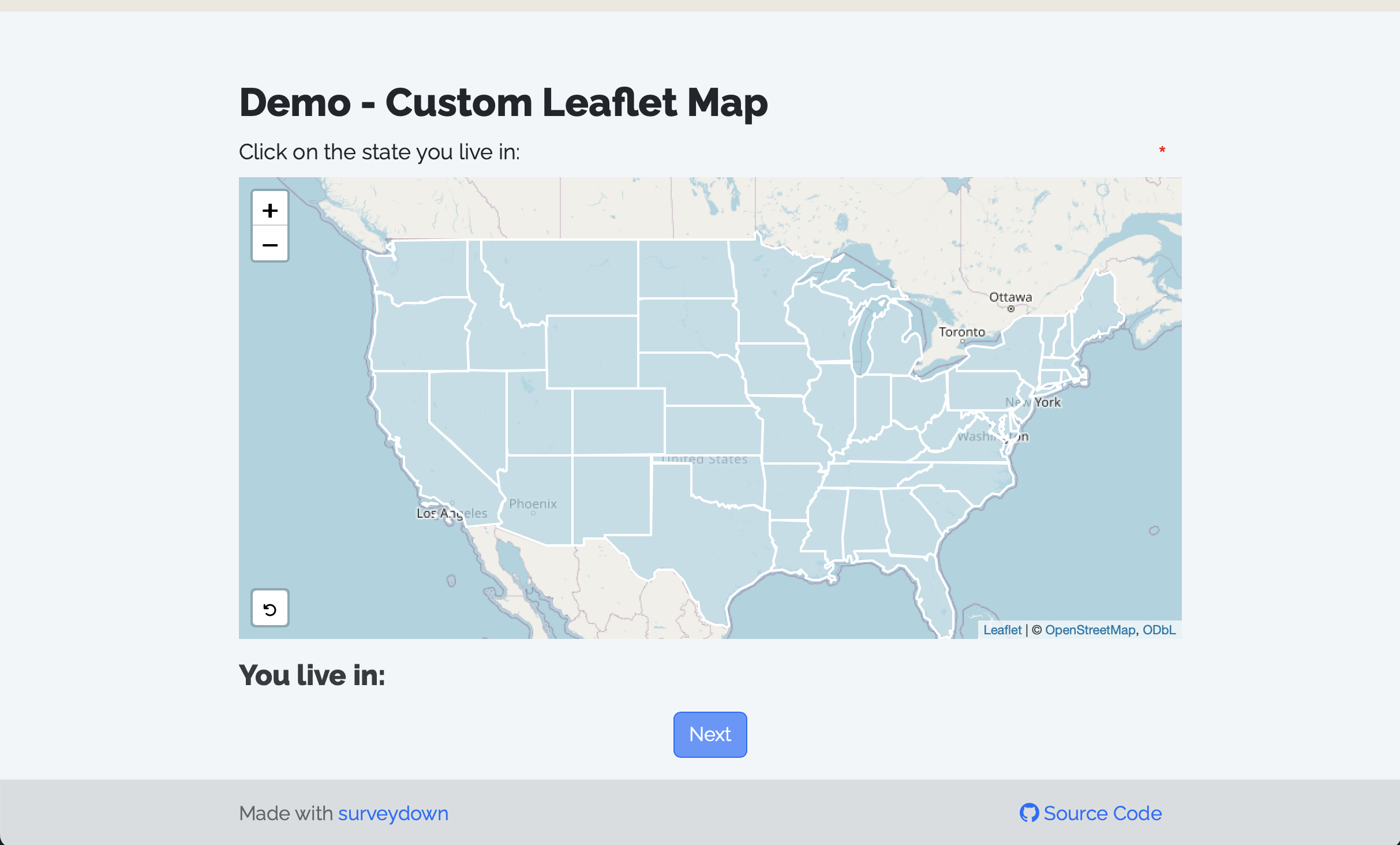
Map Question Showcase
Source: Dr. Selena Hinojos, GWU